Reach out to iconnectpro.digital
Discover how to engage with iconnectpro.digital through a streamlined, Sign Up–driven process. To submit inquiries, begin with the registration flow so your message is efficiently routed using the details you provide.
Connecting via the Sign Up flow
iconnectpro.digital routes inquiries using the details submitted during Sign Up. This approach keeps messages consistent and aligned with the consent wording and policy links shown during registration.
Open Sign Up
Navigate to the Sign Up form to initiate your inquiry through our standard onboarding flow.
Provide precise details
Enter consistent contact information so your follow-up can be routed and tracked correctly.
Define your subject
Include a brief topic and context to help triage the request efficiently.
Allow processing time
Requests are handled in order and may undergo additional routing before a reply is issued.
Policy resources
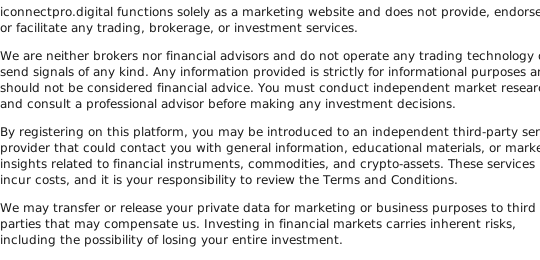
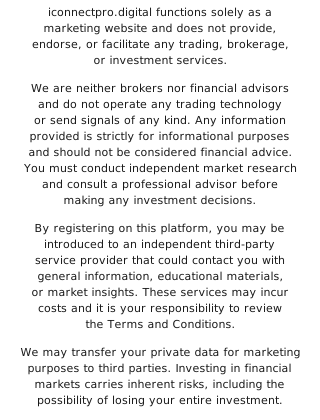
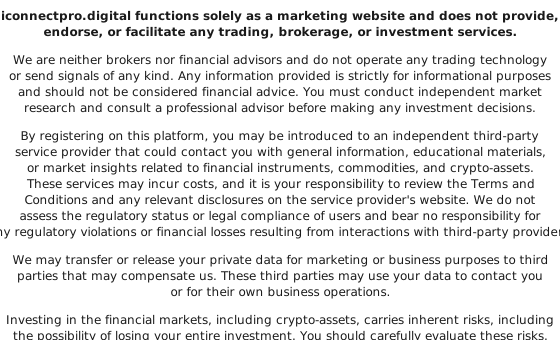
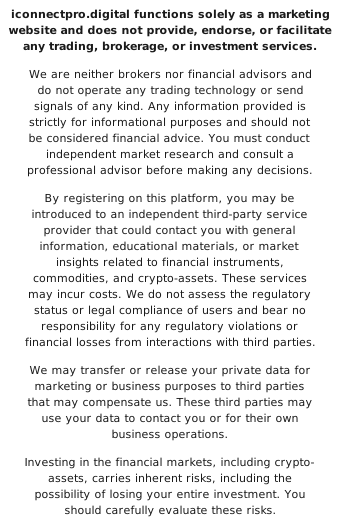
For clarity on data handling and the services offered, review the reference documents linked below. These explain the platform’s role and the consent language used during registration.
Terms and Conditions
Privacy Policy
Cookie Policy
Need to submit a query?
Submit your details via Sign Up to route your inquiry.